
Buy what’s on screen without leaving the stream.
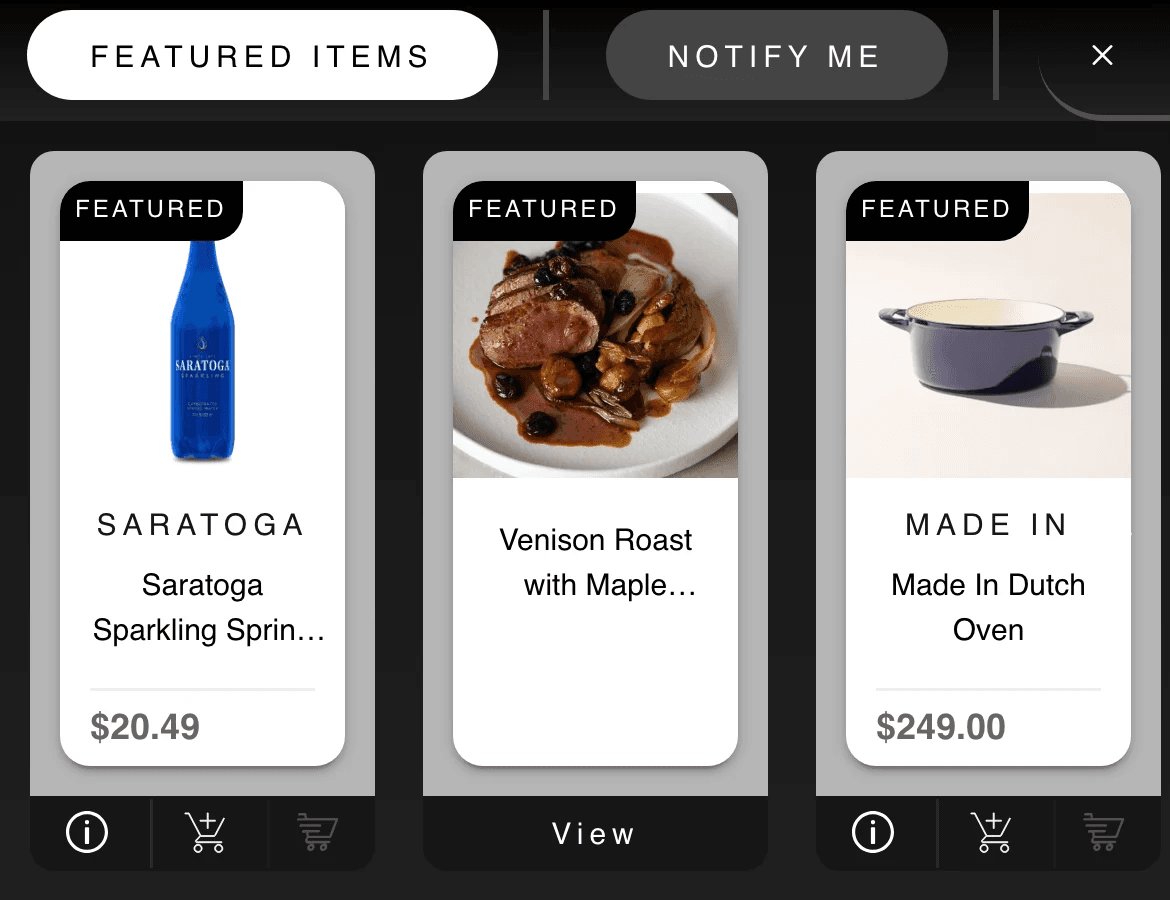
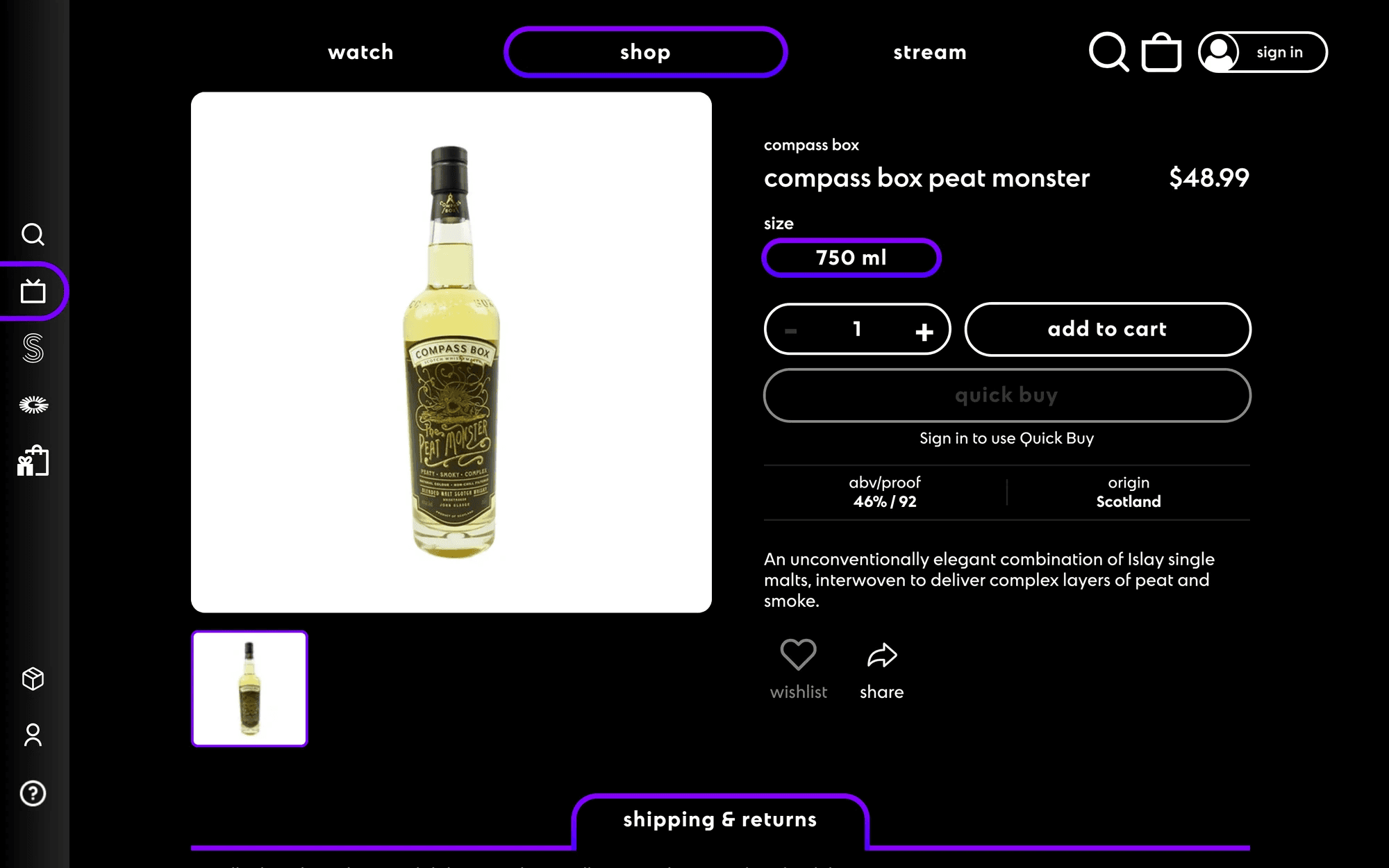
The Buybar is a video player with the store built in. As an episode plays, the products the editors pinned to that moment appear beside it, and viewers browse, add to cart and check out without pausing. ParOne Dev designed and built it as a single web component that runs on klyq.tv, inside the Samsung TV app, in mobile webviews and on partner sites.
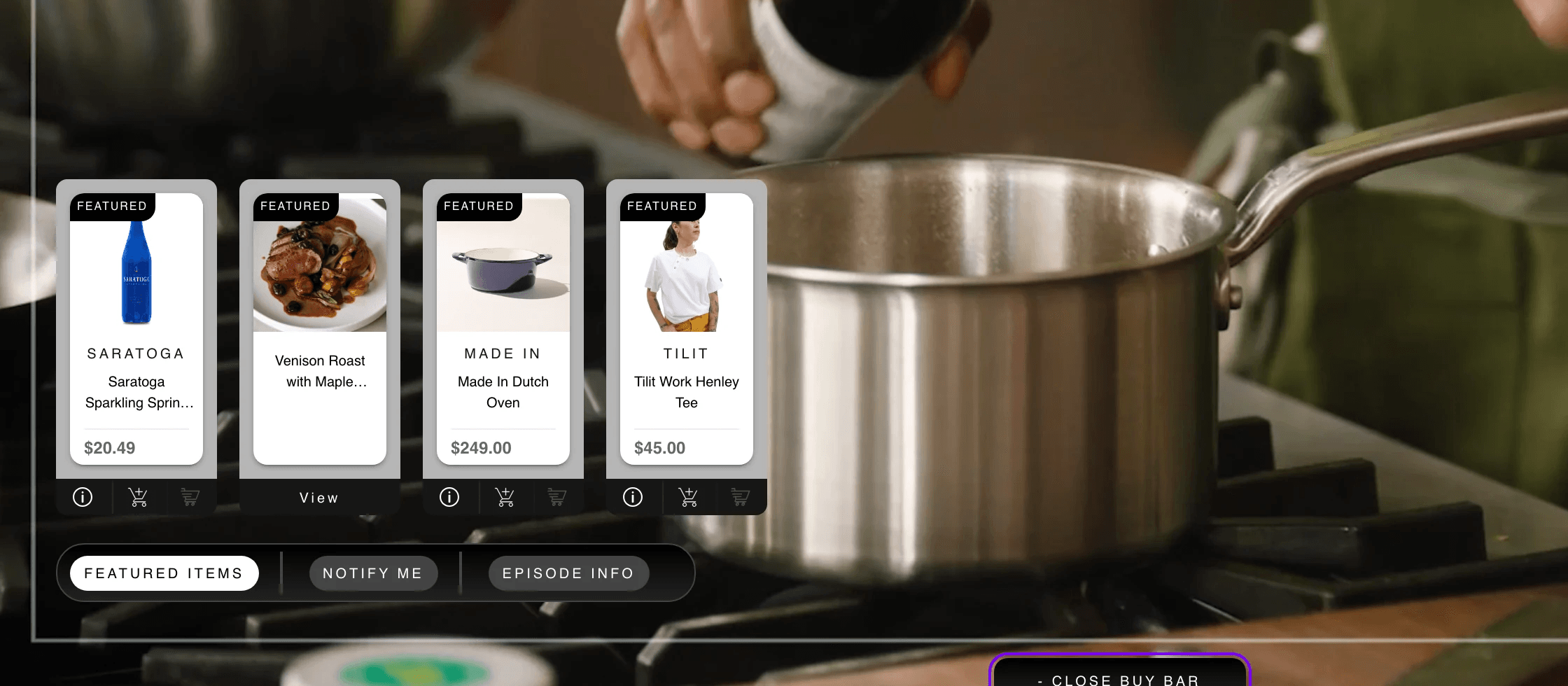
Keep the viewer, make the sale.
Viewers leave a video when they have to go somewhere else to buy what’s in it. The retailer loses the sale and the publisher loses the viewer.
The bar had to show the right product at the right moment, never interrupt someone halfway through a cart, work with a mouse, a thumb and a TV remote, and drop into any page that plays video, not only the one it was built for.
A store that lives inside the player.
Where it runs, and what it connects to.
- Video player
- hls.js
- Ad serving
- Google IMA SDK · VAST tags, overridden by content
- CMS
- Contentful cue points
- Commerce
- The host site’s commerce API · BigCommerce on klyq.tv
- Native apps
- Android and iOS webview bridges
- Samsung TV
- D-pad navigation bridge
- Analytics
- ParOne playback beacons
By the numbers
As of November 2026- script tag to put the player and the store on a page
- 1
- overlay components: tiles, product, cart, checkout, sign-in
- 42
Architecture
Simplified- 01CMSCue points: start, duration, products
- 02PlayerHLS playback and IMA ads
- 03Cue engineActive products on every time update
- 04OverlayTiles, product, cart, checkout
- 05Host APIThe site’s own commerce API
- 06CheckoutThe store the client already runs
- 07BeaconsImpressions, plays, quartiles
The result
Business metrics are shared on request, under NDA and with the client’s permission.
Next case study · KLYQ
A streaming network where the episode and the store are one product.